

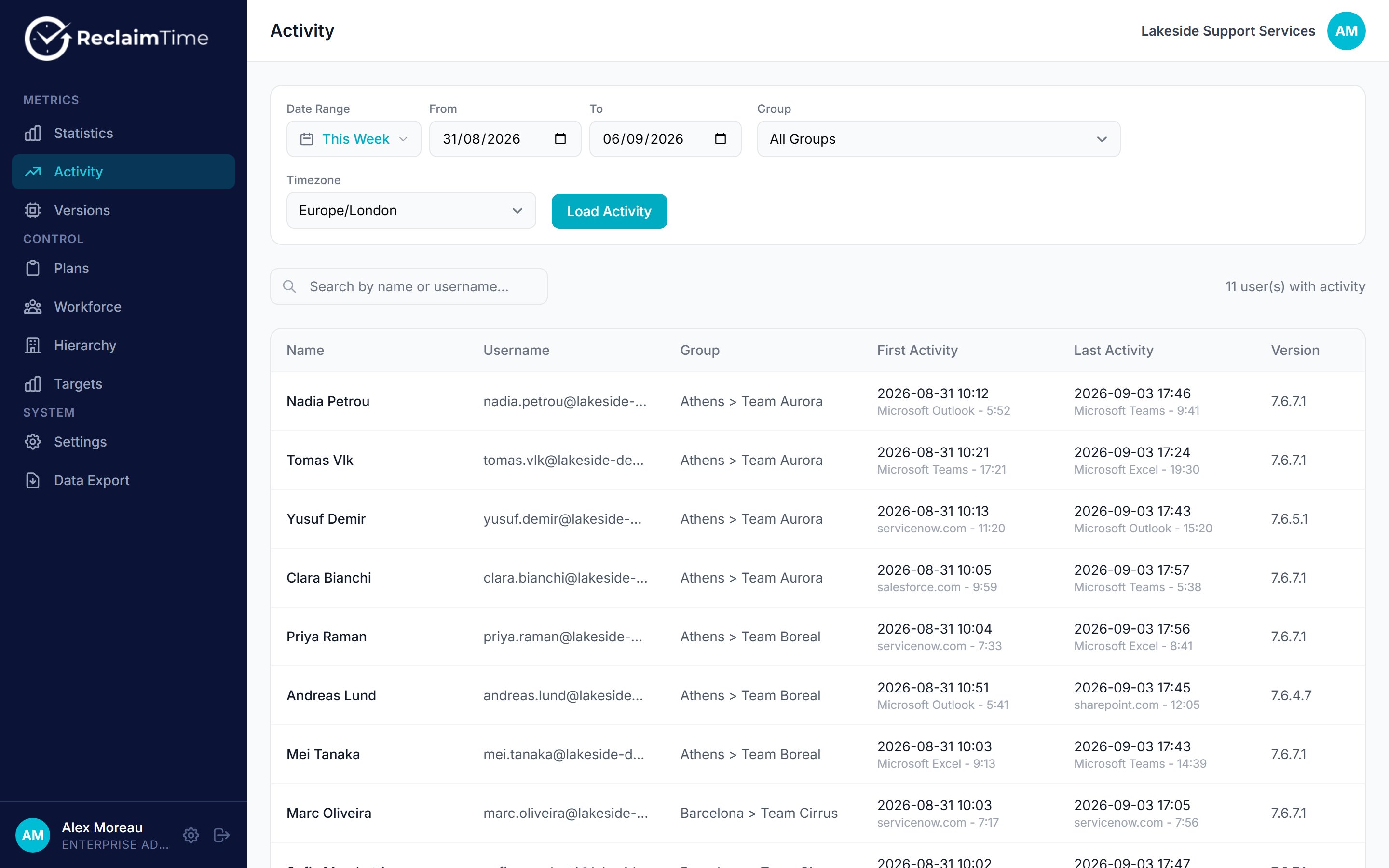
The Activity page for one week
The count at the top right reads “N user(s) with activity”. Compare it with your headcount. Anyone missing from this list sent nothing at all in the period.
What the gaps mean
Recording is bounded by the working schedule on the person’s account and on the organisation. If someone’s first activity is always exactly the schedule start, that is the schedule, not their behaviour. If a shift worker shows nothing, check their schedule before anything else. See Settings.
Activity Review
There is a second view at Activity Review for inspecting individual rows rather than per-person summaries. It exists for diagnosing data problems, such as checking whether a specific session was recorded, or filtering by client version when a particular build is suspected of producing bad rows. It is a diagnostic tool, not a reporting one. If you are trying to answer a question about how time was spent, Statistics is the page you want.Related tasks
Checked against ReclaimTime client 8.0.0.9 and dashboard V3 on 5 September 2026.